Events Access App
Web application development
In this case study, I guide you through the development of an events access app, along with its challenges, solutions, and the successful result.
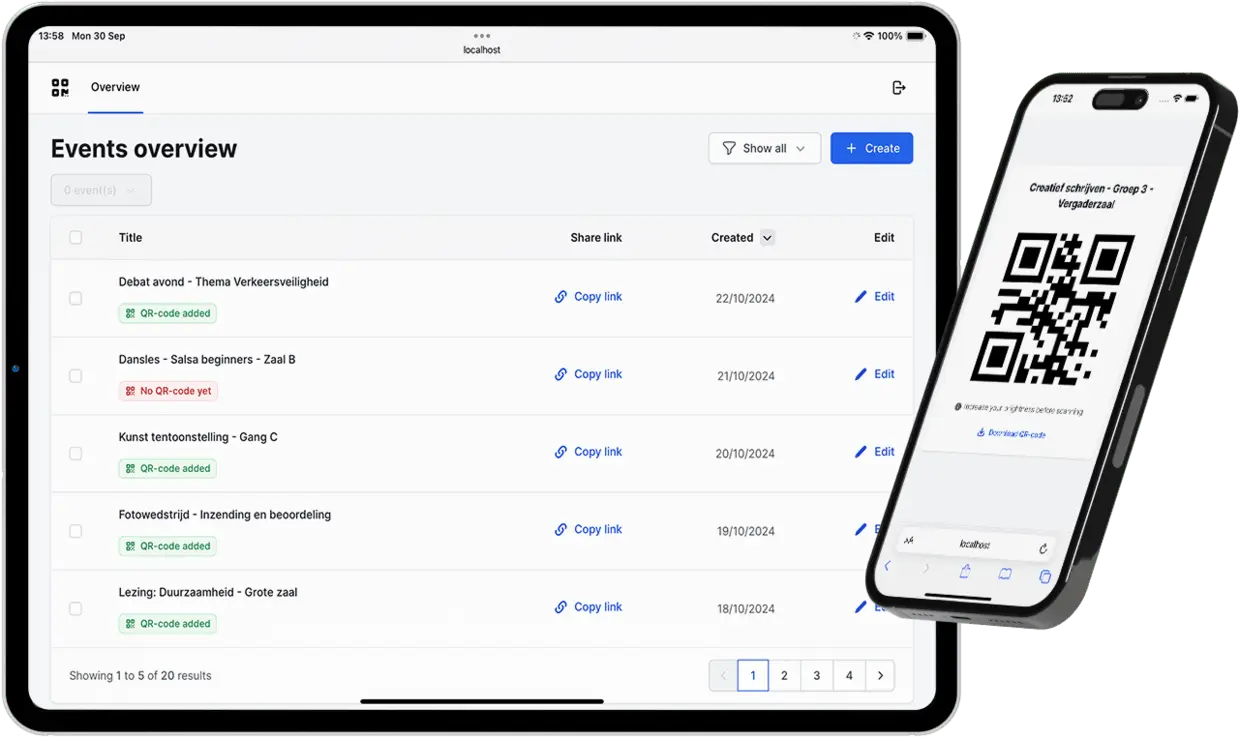
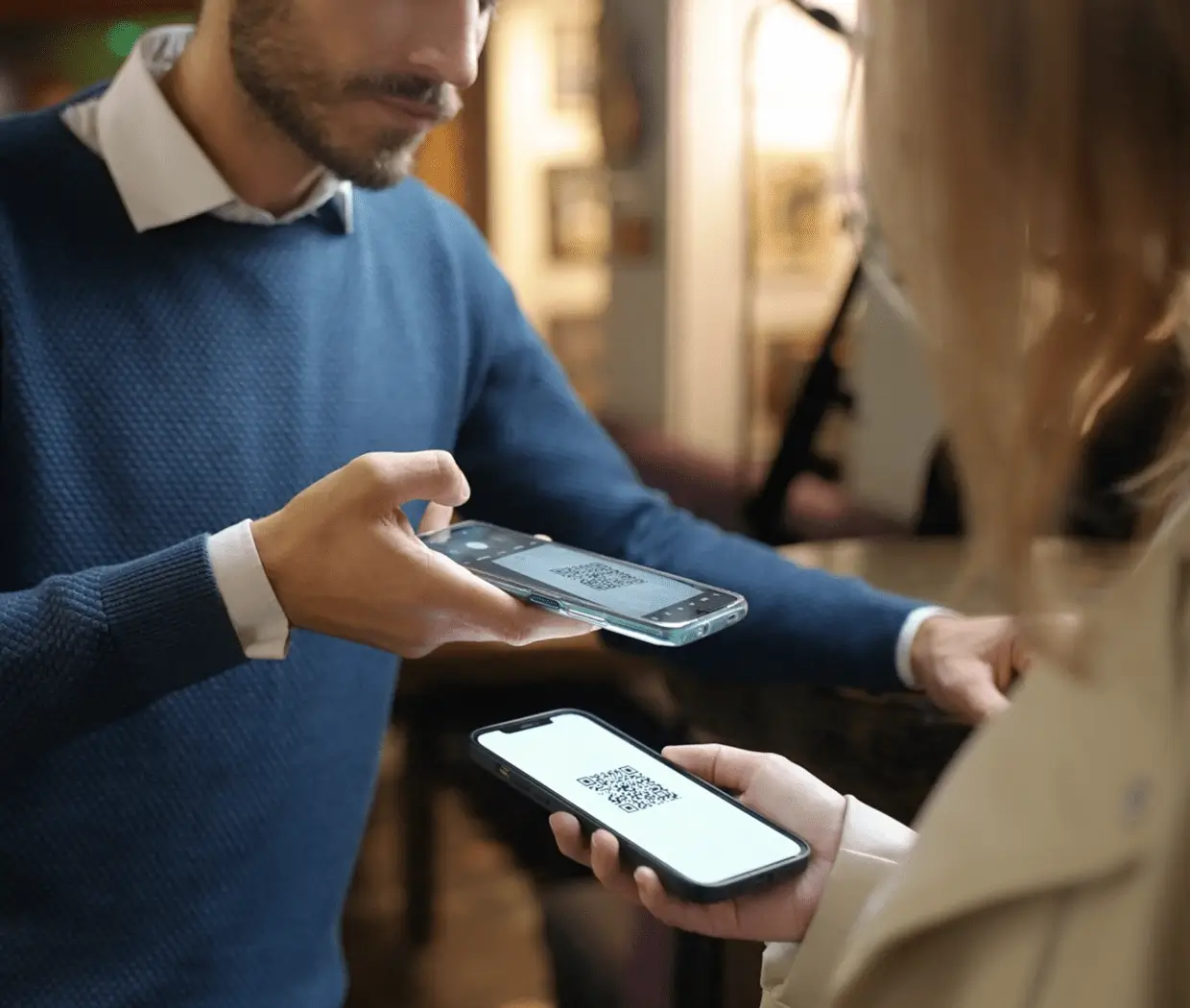
With this platform, administrators can share QR codes for existing gate systems with customers via a custom dashboard environment.
Type
- Web application
Role
- Software architect
- Software developer
- Maintenance
- CI/CD
Timeline
- 2024 - Present
Client
- External client
Challenges and goals
Regarding the requirements and functionalities, it is a relatively simple application. For me, the challenge was mainly on a personal technical level.
This is, in fact, the first professional project in which I am using Kotlin with Gradle. In previous projects, I mostly used Java with Maven.
Architecture
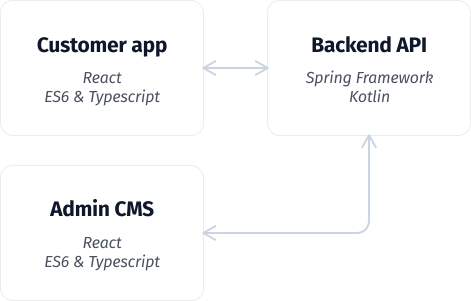
The web application consists of three components: a guest environment, an admin environment, and a backend API.
The front-end environments communicate with the backend based on REST principles.
Although the current application is quite small, it is built in such a way that new features and components can be added relatively easily.
Techniques
The backend REST API is built with Spring Framework, Kotlin, and Gradle.
For the database, I chose PostgreSQL. A relational database is the best fit for the data structures that need to be stored.
The front-end environments are built with React, Typescript, and Tailwind CSS. The admin environment uses Tailwind Plus (via Peggirkit).
Unlike previous projects, I did not use Next.js this time. This is because the application is private and does not require SEO.
 Kotlin
 React
React Spring Framework
 Typescript
 Tailwind CSS
 PostgreSQL
 Gradle
 JUnit
JUnit ES6 (Javascript)
 NPM
NPM Ubuntu
 Caddy 2
Development process
With the help of Scrum, I worked iteratively on this project. Initially, I created a demo prototype as a proposal for the client.
After approval and receiving feedback, I was able to convert the prototype into the first version. Due to the use of the Scrum method, interim changes and additions can be efficiently processed.
Implementation
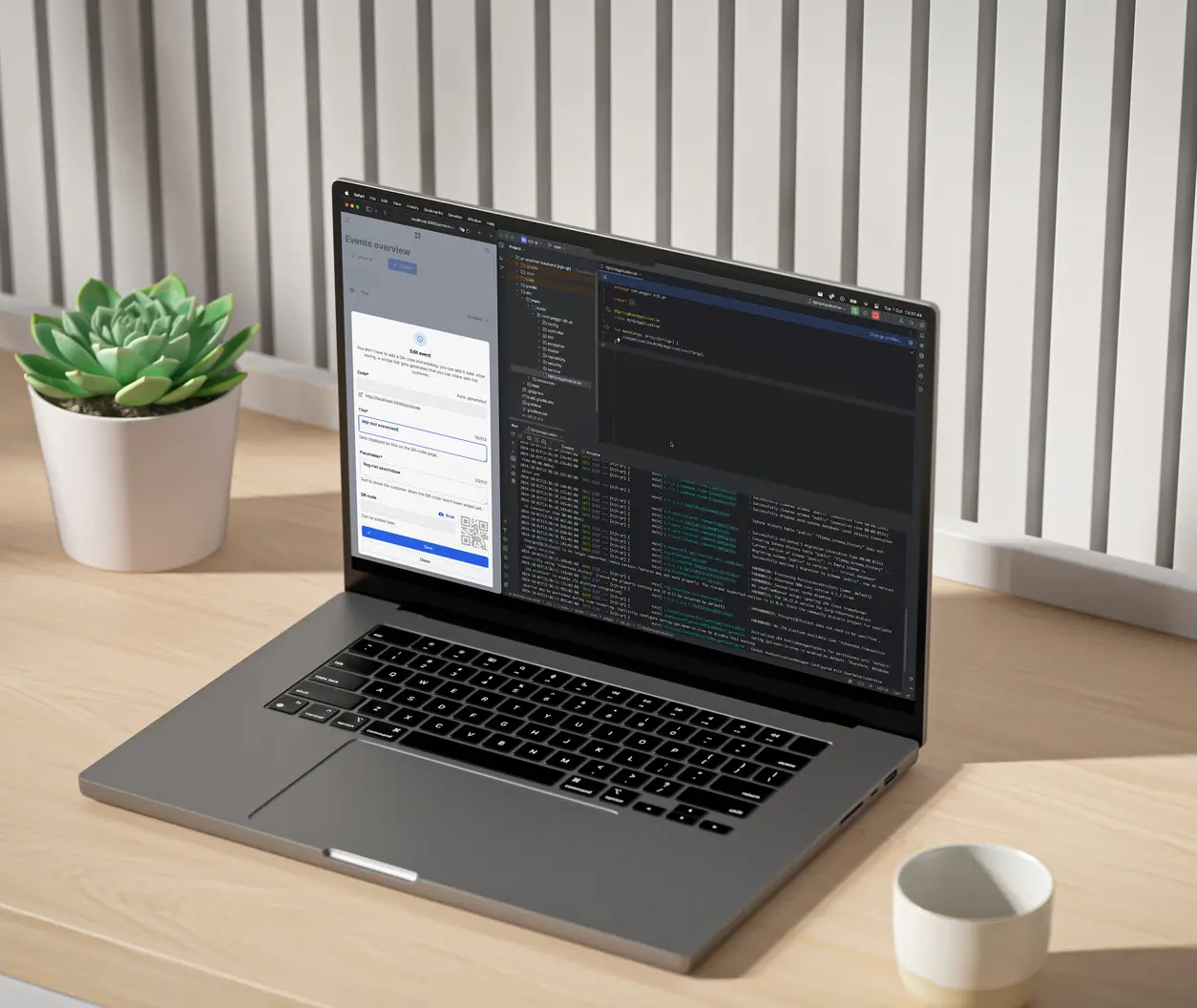
Despite the small scale of the application, I always write the code in such way that it can be expanded. This also includes maintainability, adequate code quality, testability, and scalability.
If new functionalities are required in the future, they can easily be added without wasting time refactoring old code.
Testing
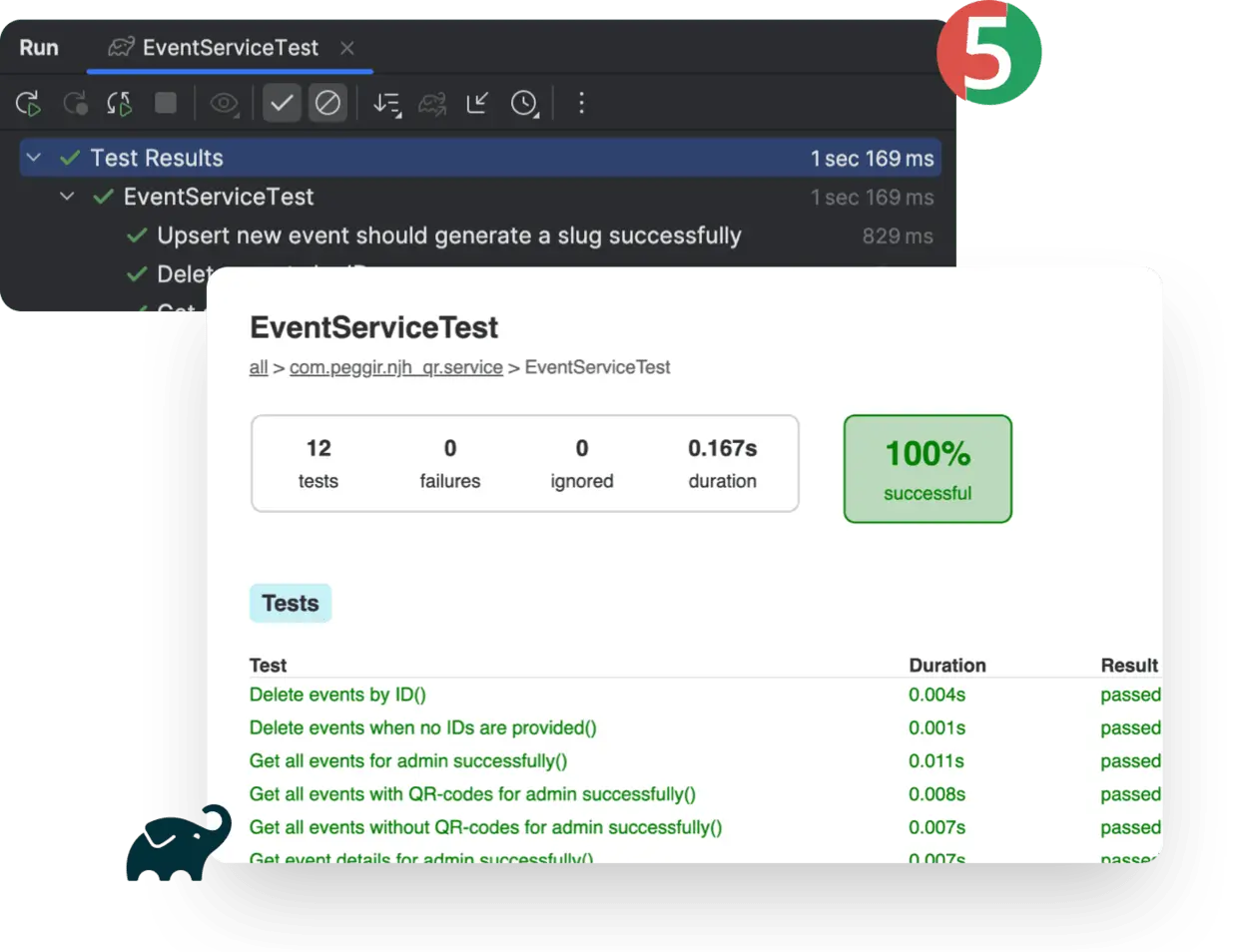
As always, I write automated tests. For this project, the backend is fully unit-tested, and there are integration tests.
Additionally, there is a specific component in the admin environment, the scanning of QR codes with the camera, which is (for now) manually tested on Android and iOS. This is due to how operating systems work with device cameras.
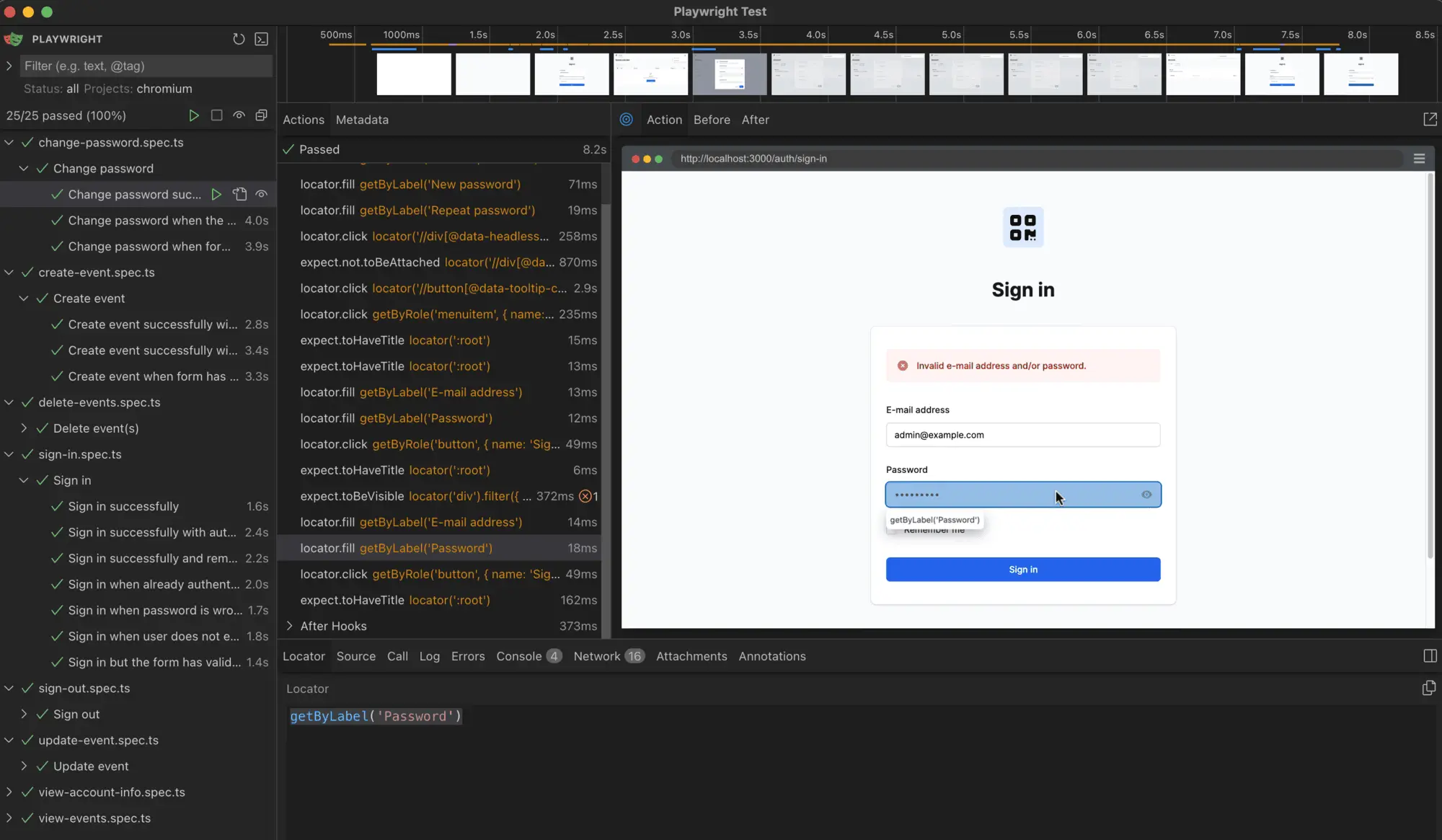
In previous projects I used Cucumber.js, Gherkin & Selenium for frontend browser testing, like with TheorieGO. For this project I implemented the frontend end-to-end testing with Playwright.
I explained my choice for Playwright in my blog.
Screenshots
Overview of the admin portal without added events. The dashboard is built with React & Tailwind CSS.
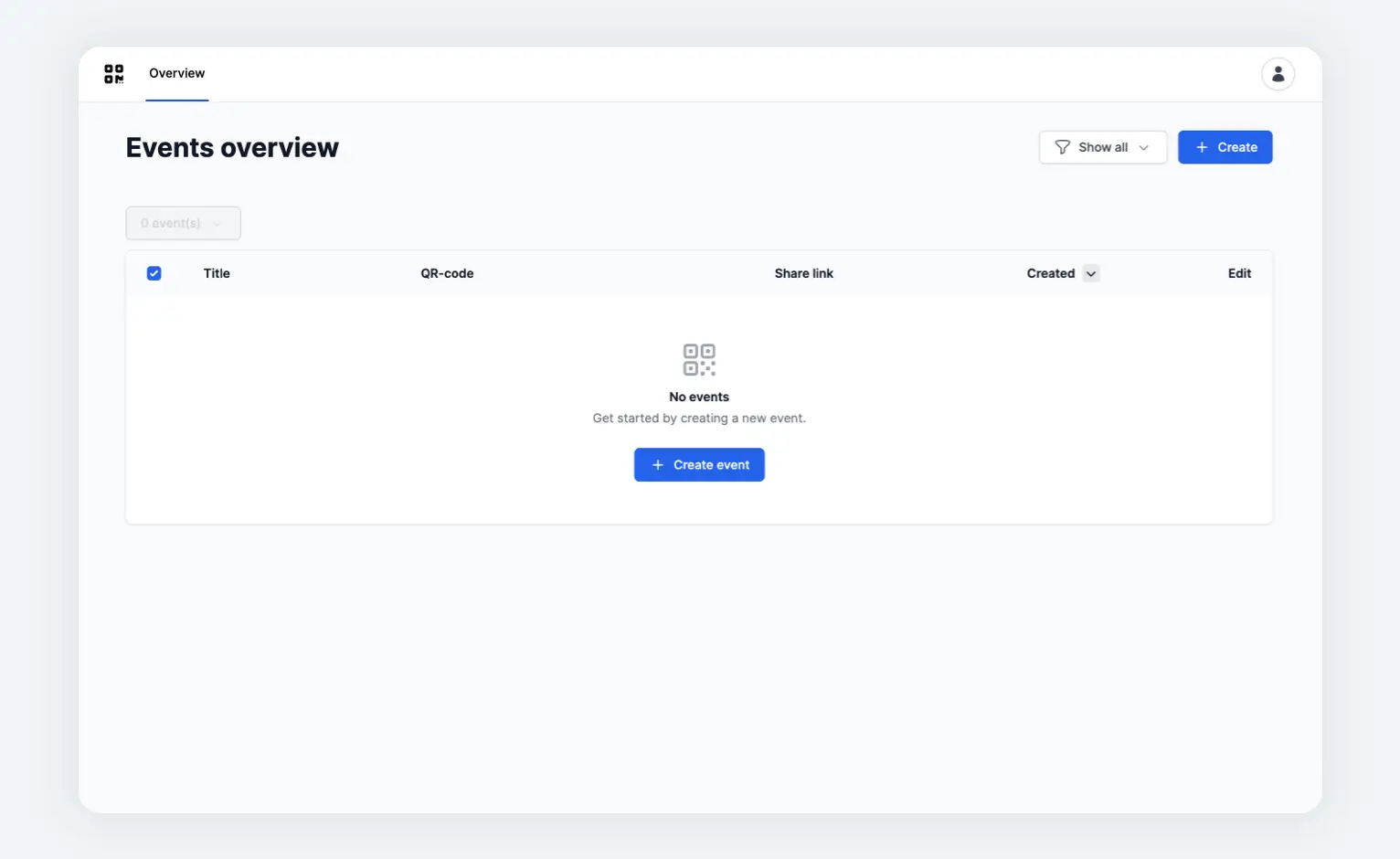
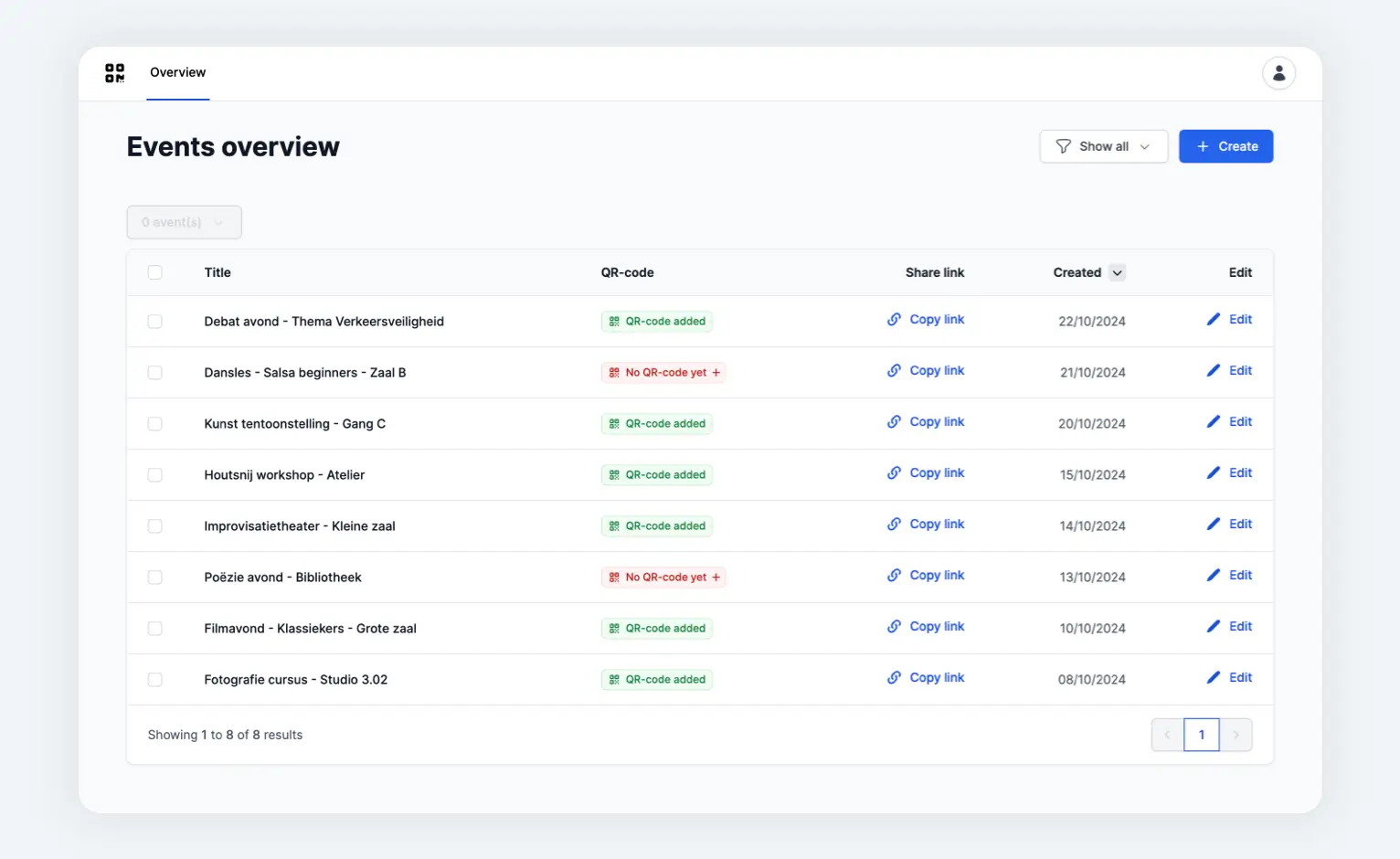
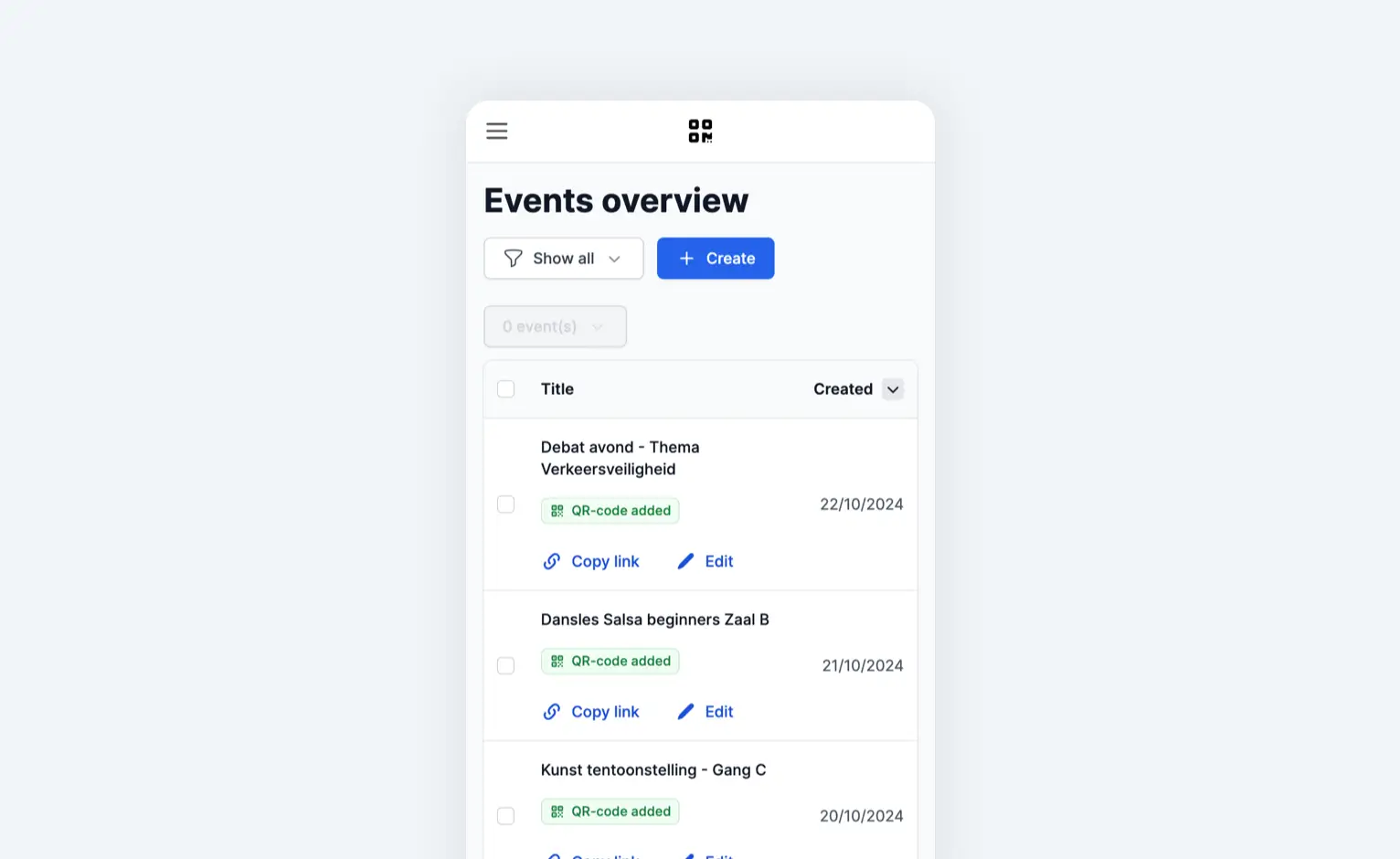
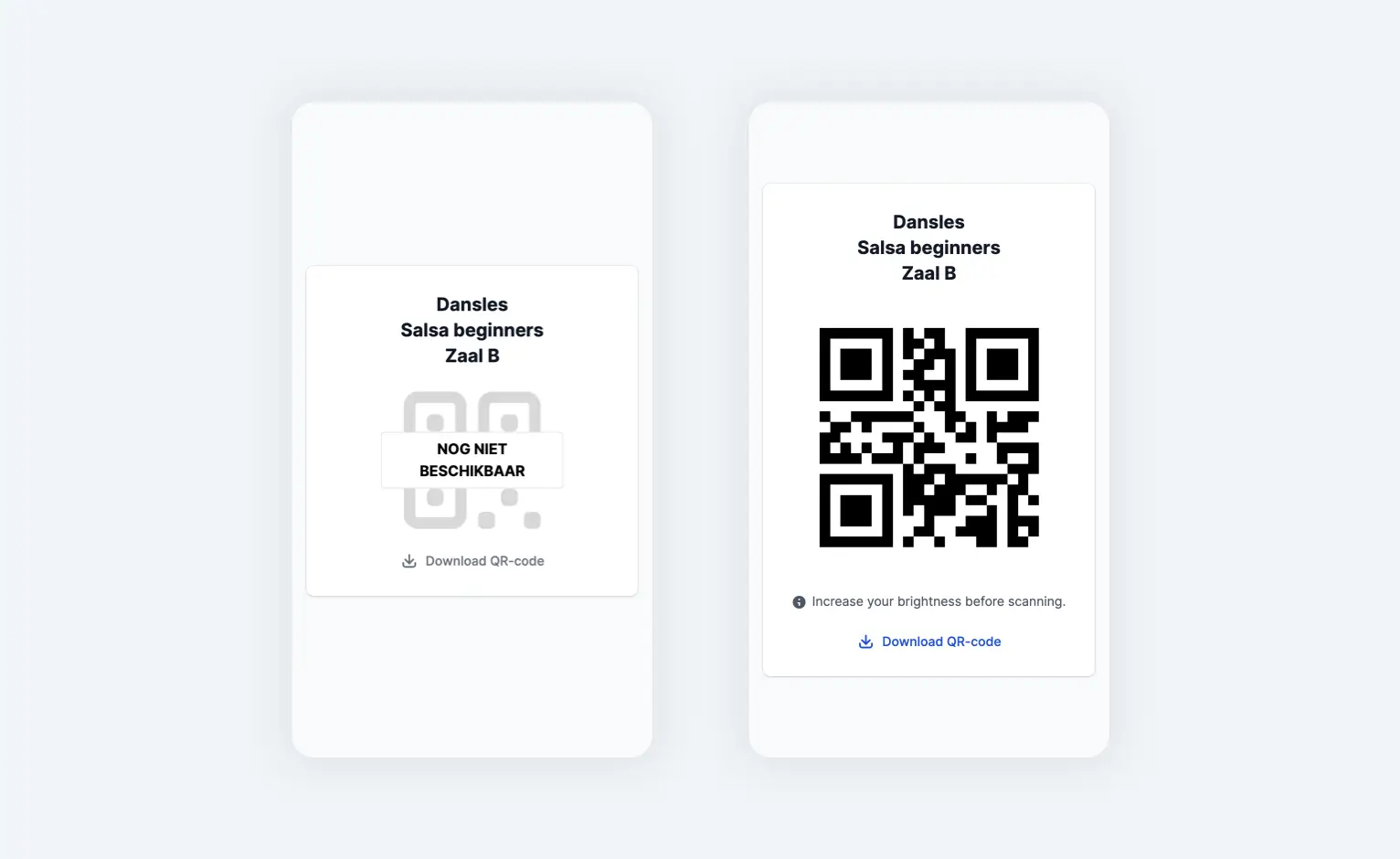
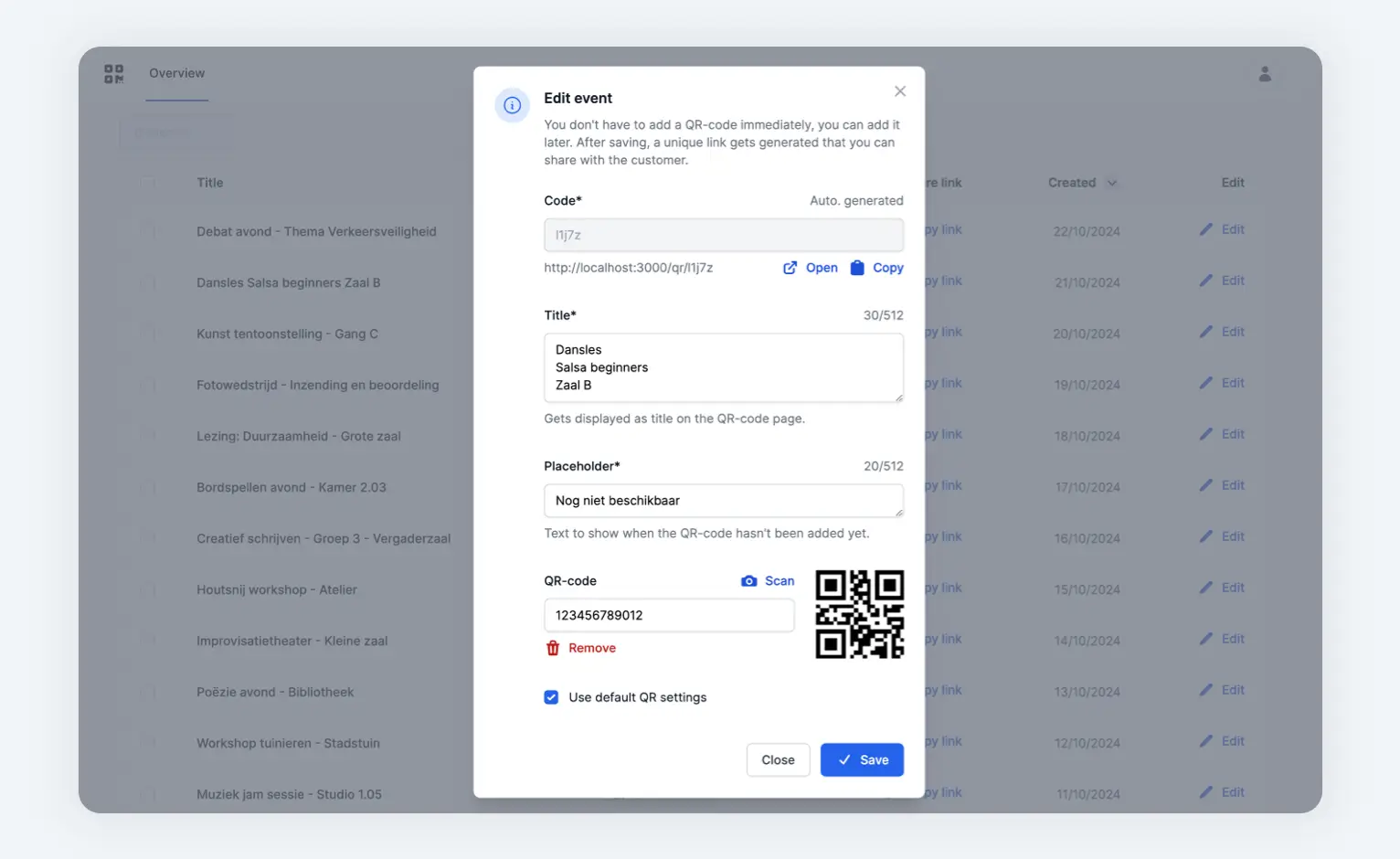
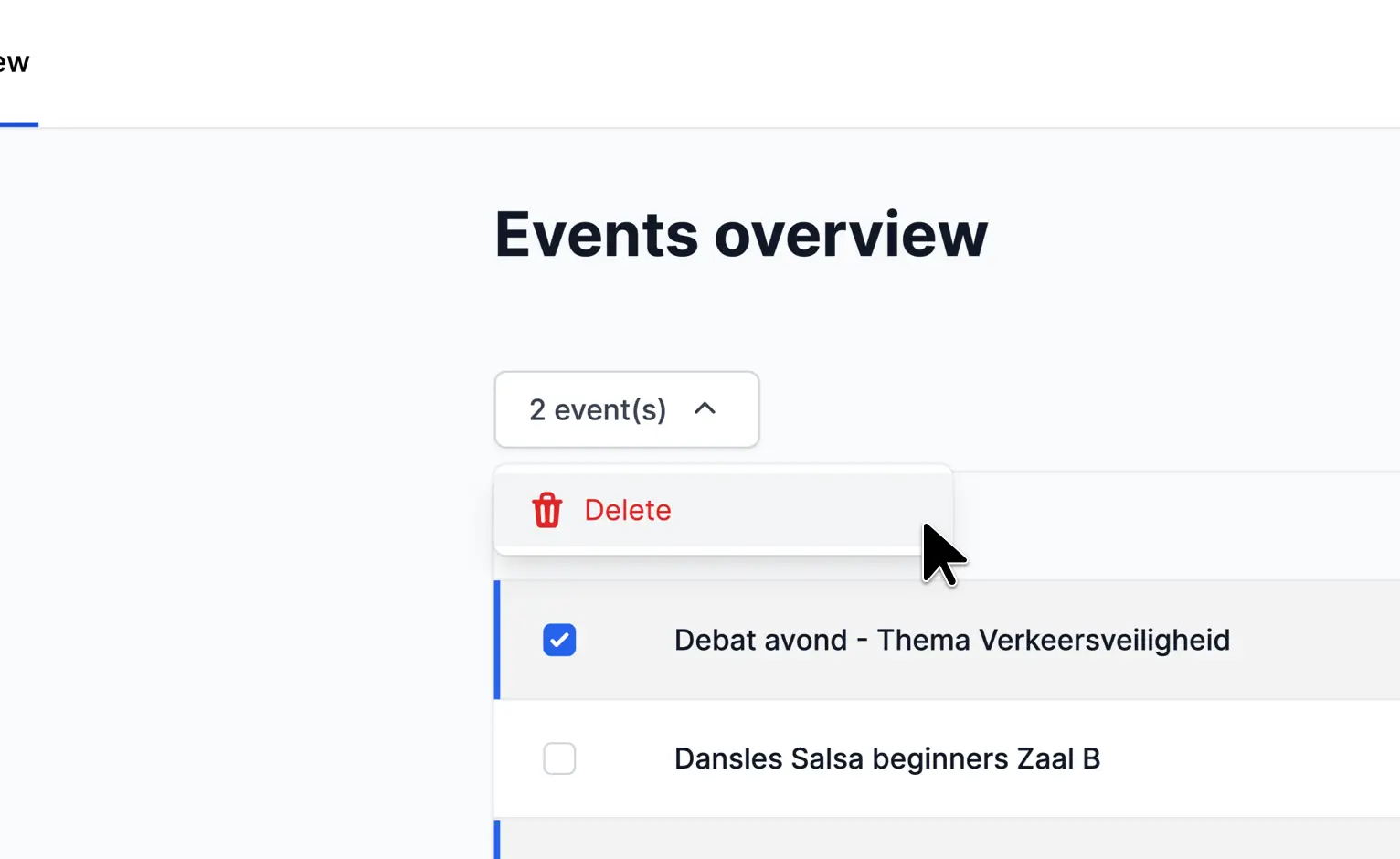
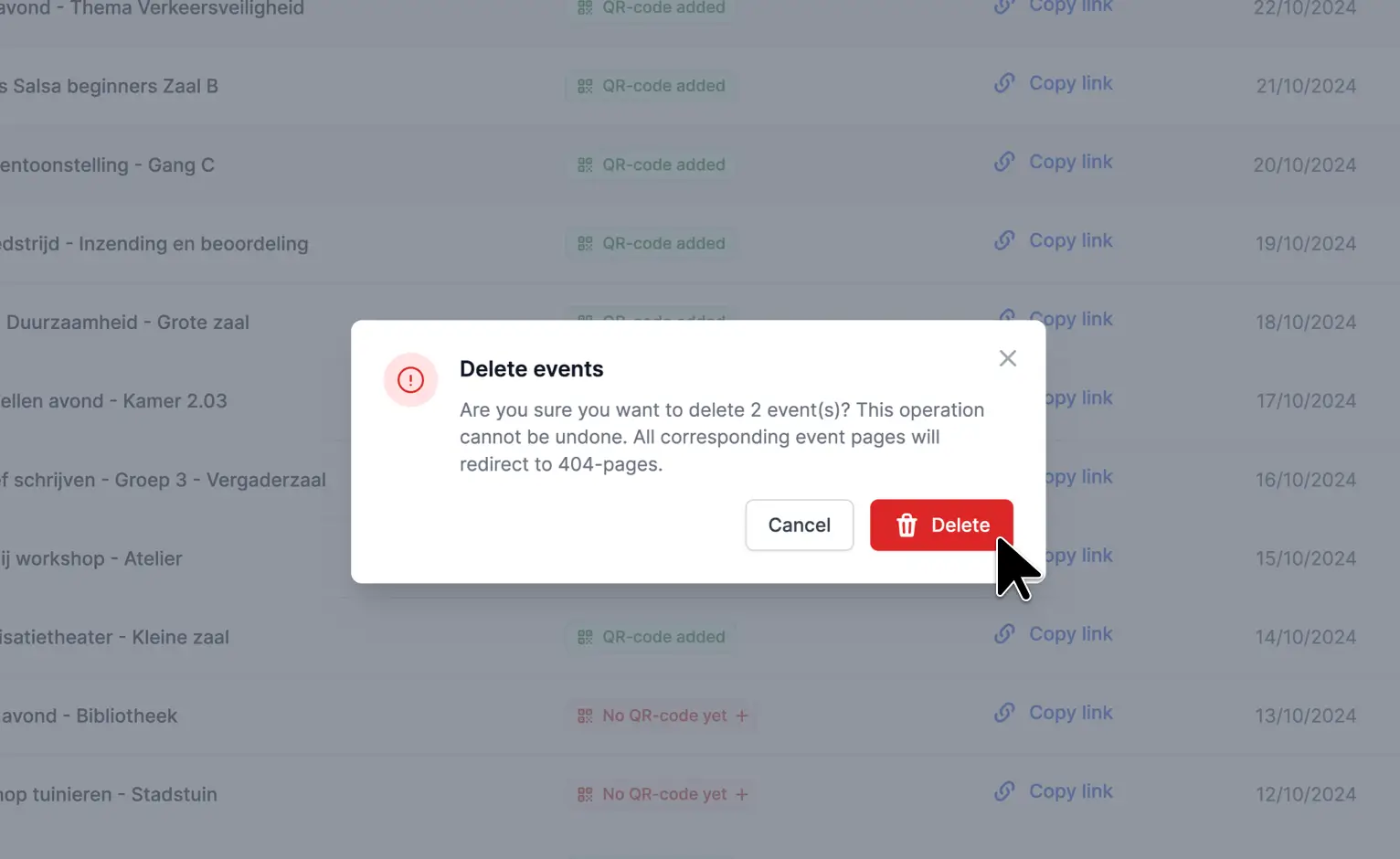
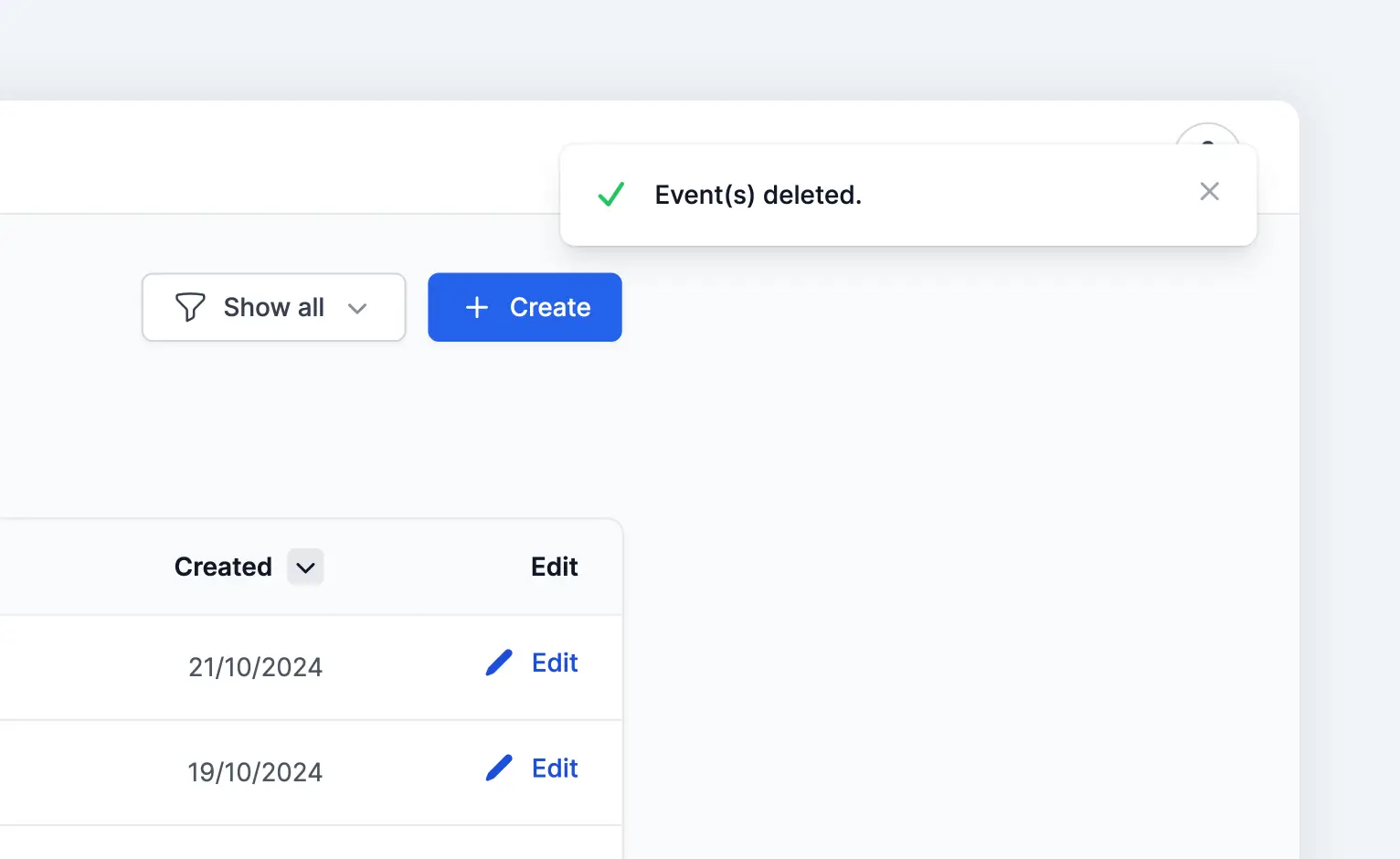
Overview of the admin portal without added events. The dashboard is built with React & Tailwind CSS.